Keyboard-first review
Arrow keys mirror the swipe: → keeps, ← deletes, ↑ favorites, ⌫ deletes, ⌘Z undoes. Every action also lives in the menu bar with customizable shortcuts, so you can clear hundreds of photos without touching the trackpad.
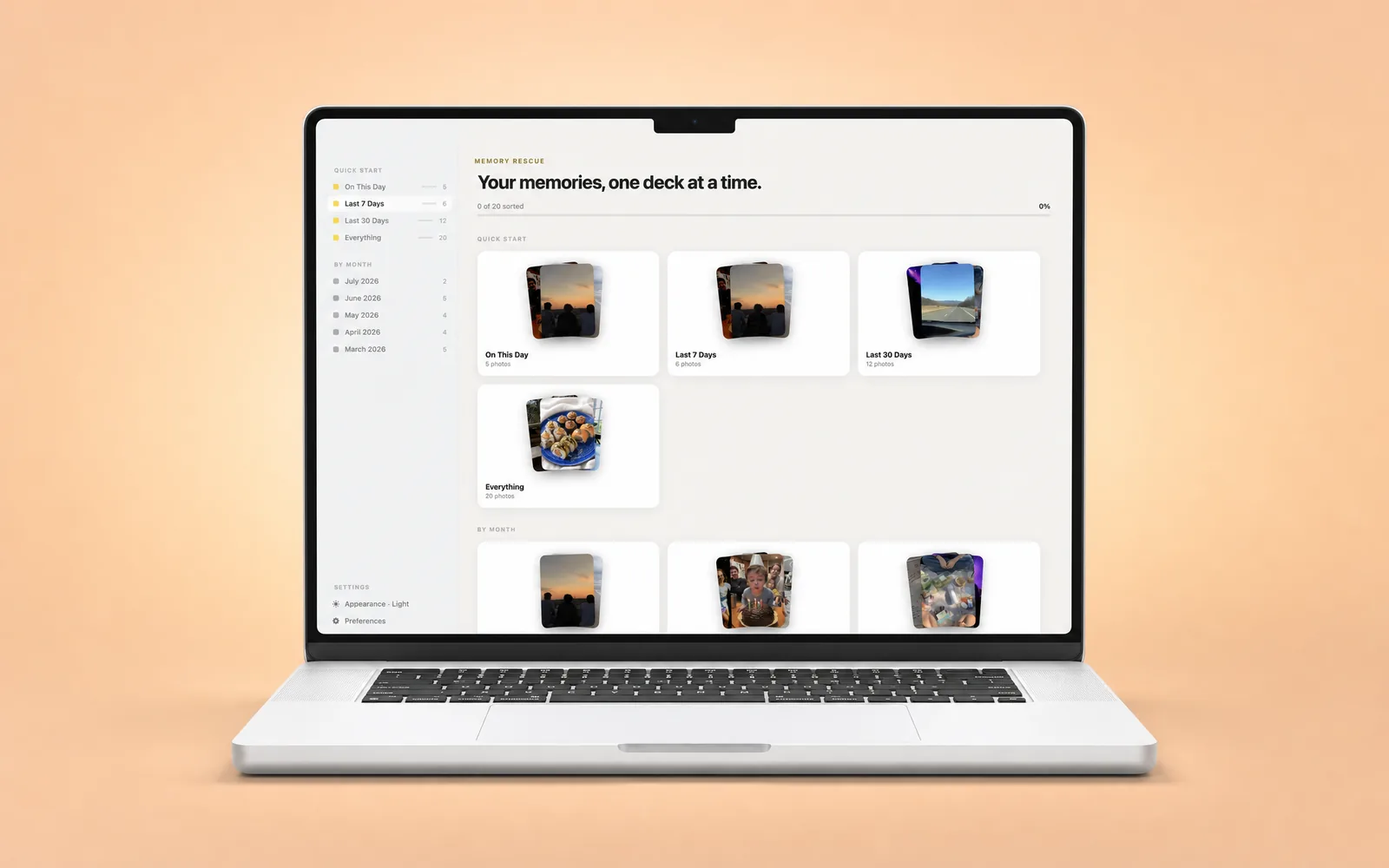
The fastest way to clean a photo library is a big screen and a keyboard. SwipePhotos for Mac is a real, native macOS app — not an iPhone app in a window — that turns your Photos cleanup into quick, satisfying decks: arrow keys to keep or delete, ⌘Z to undo, duplicates and screenshots grouped for you.
Also on iPhone & iPad — one purchase unlocks all three, and your progress syncs over iCloud.

On the Mac App Store · macOS 15 or later
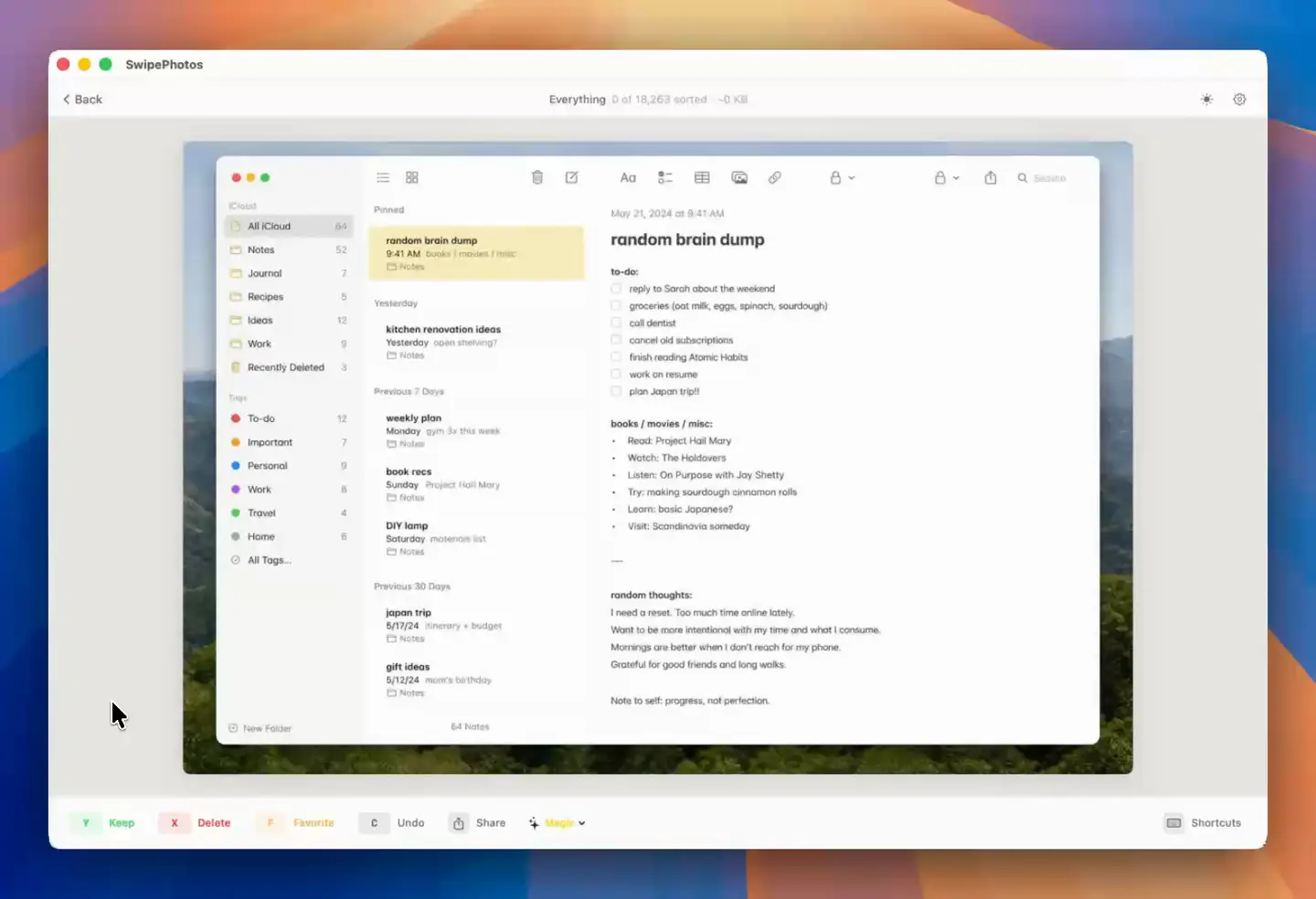
Arrow keys mirror the swipe: → keeps, ← deletes, ↑ favorites, ⌫ deletes, ⌘Z undoes. Every action also lives in the menu bar with customizable shortcuts, so you can clear hundreds of photos without touching the trackpad.
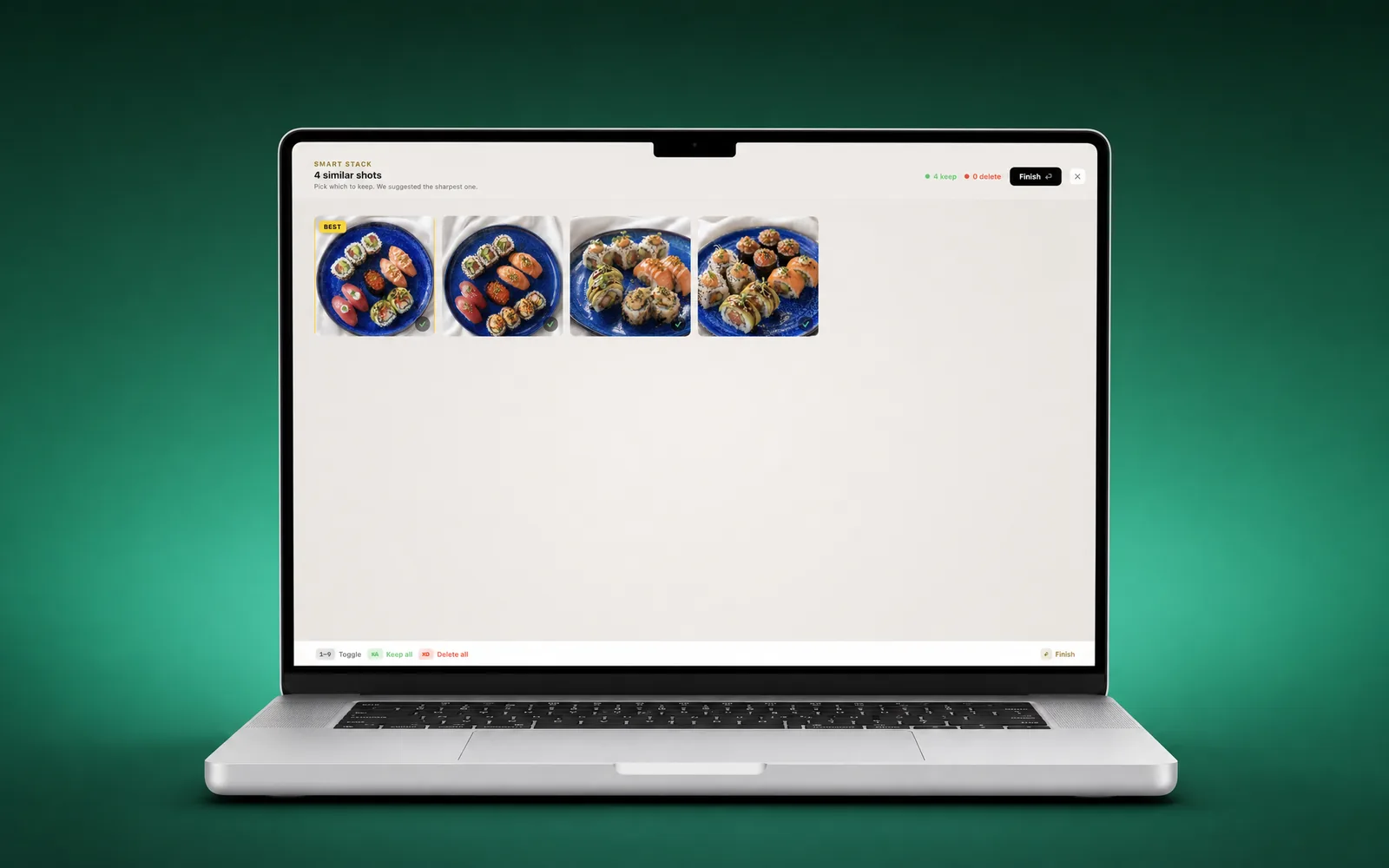
The duplicate finder groups look-alike bursts into sets and lets you clear them one set at a time — with Apple's own confirmation dialog before anything is removed from your library.
A dedicated Screenshots view rounds up the boarding passes, memes, and receipts by month so you can wipe years of clutter in minutes.
SwipePhotos is one app across iPhone, iPad, and Mac. Buy once with your Apple ID and your progress follows you through iCloud — start a month on the couch, finish it at your desk.
You're not alone — swipe-to-clean apps made phone cleanup famous, and then you sit down at your Mac and there's nothing to install. SwipeWipe is an iPhone app: it isn't offered as a native Mac app, and on Apple Silicon Macs it can only run in iPhone-app compatibility mode, in a fixed little window, without real keyboard support.
SwipePhotos brings the workflow those apps pioneered to macOS properly: a resizable native window, menu bar commands, rebindable shortcuts, and direct access to the same iCloud Photos library your iPhone uses. Swipe with your trackpad or fly through with the arrow keys.
PhotoSweeper has been the Mac's duplicate-finder workhorse for years, and if you need to dedupe Lightroom catalogs or loose folders, it's the right tool. SwipePhotos plays a different game: it's built to get your Apple Photos library actually finished — and to make you want to keep going.
| What you get | SwipePhotos | PhotoSweeper |
|---|---|---|
| Native macOS app | ✓ | ✓ |
| Swipe & arrow-key review flow | ✓ | — |
| Works on your Apple Photos library | ✓ | ✓ |
| Duplicate & similar-photo detection | ✓ | ✓ |
| Screenshot & clutter cleanup by month | ✓ | — |
| iPhone + iPad app included | ✓ | — |
| Progress syncs across devices (iCloud) | ✓ | — |
| Lightroom Classic / Capture One / folders | — | ✓ |
| Streaks, trophies & a wrap-up recap | ✓ | — |
Honest note: if your photos live in Lightroom or scattered folders, use PhotoSweeper. If they live in Apple Photos and you've been meaning to clean them up for years — this is the app that gets it done.
No — SwipeWipe is an iPhone app and isn't offered as a native Mac app; at best it runs in iPhone-app compatibility mode on Apple Silicon Macs. If you want the same swipe-to-clean workflow built natively for macOS, that's exactly what SwipePhotos for Mac is: a resizable window, arrow-key and menu-bar controls, and direct access to your Photos library.
For Apple Photos libraries, yes: you get duplicate and similar-photo detection plus a much faster review flow, screenshots cleanup, and an iPhone/iPad app with synced progress. PhotoSweeper remains the better pick if you need to dedupe Lightroom Classic, Capture One, or folder-based archives, which SwipePhotos doesn't touch.
Yes. SwipePhotos for Mac reads the same Photos library (including iCloud Photos) as your iPhone. Deletions use Apple's own confirmation and go to the Recently Deleted album, where they stay recoverable for about 30 days.
No. SwipePhotos is a universal purchase — one subscription or lifetime unlock covers iPhone, iPad, and Mac under the same Apple ID, and your sorting progress syncs between devices via iCloud.
SwipePhotos for Mac requires macOS 15 (Sequoia) or later and runs natively on both Apple Silicon and Intel Macs.
Free space, resurface the photos you love, and enjoy the process.
